
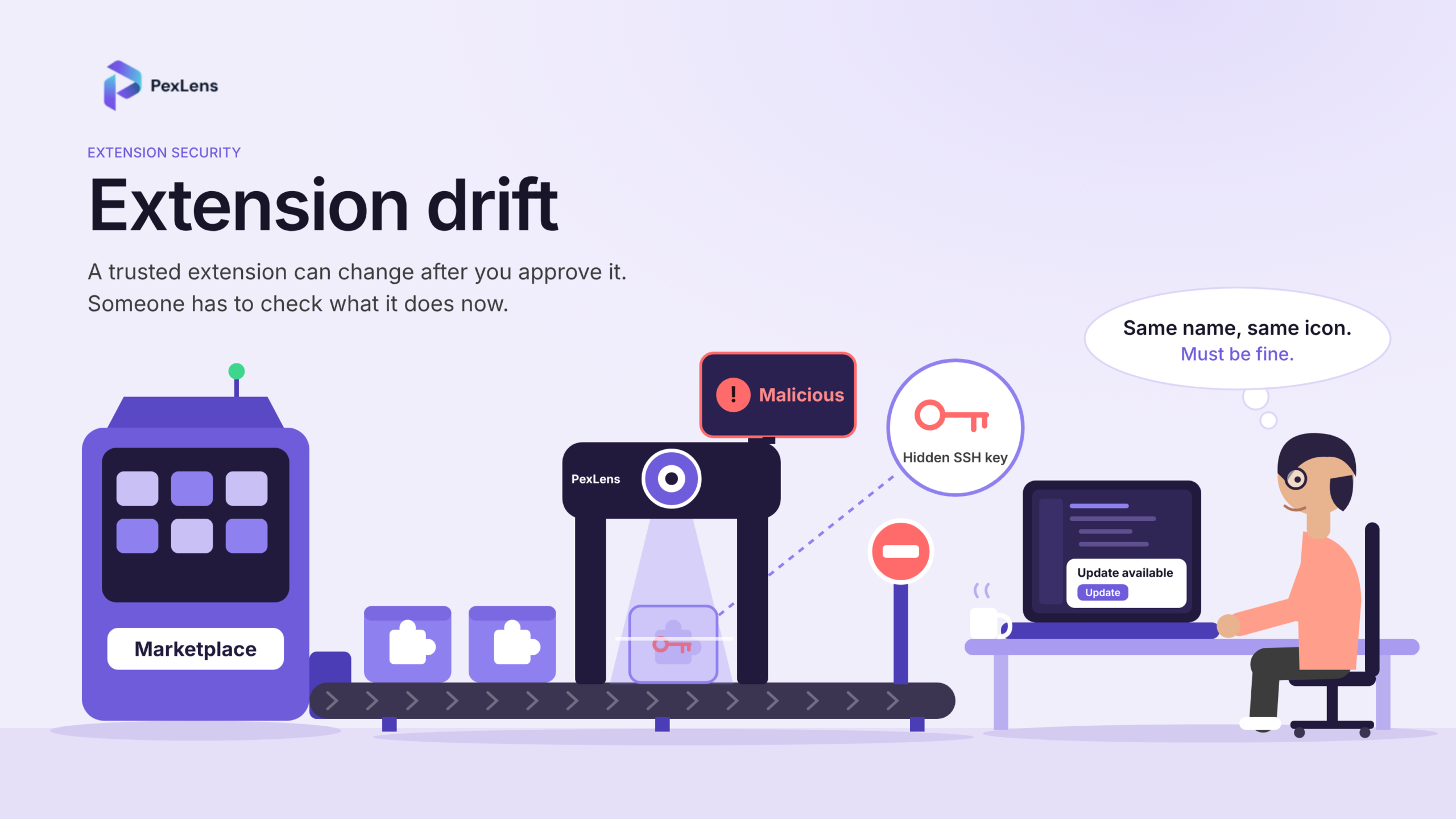
Nobody thinks twice when an IDE extension updates itself. A version number ticks up, the editor restarts, and you get back to work. That habit is exactly what extension drift feeds on. A trusted extension can turn into a different program overnight, with the same name, the same publisher label and the same icon, but new behavior underneath.
The malicious Claude Code builds that appeared in Cursor’s extension marketplace on October 29 are a good example. Versions 2.1.312 and 2.1.313 of Anthropic.claude-code, for Windows and macOS, were available for about 11 hours, from roughly 2:27 am to 1:35 pm Pacific. Cursor says those builds were not developed by Anthropic. In its notice, it hasn’t said how the modified versions got into the marketplace. Microsoft published its own analysis the next day.
What stays with me is the timing. The risky moment wasn’t a first install. It was an update to something people had already decided to trust.
What extension drift means
Extension drift is what happens when an extension changes after it has earned trust: its code, its permissions, its dependencies, the servers it talks to, or the people behind it. Sometimes the change is harmless, like a new maintainer or an ordinary refactor. Sometimes it’s an attack. The usual routes are:
- a compromised publisher account or release pipeline;
- a malicious update pushed to a legitimate extension;
- a new dependency that pulls in bad code;
- an extension sold or handed to a new maintainer who changes what it does; and
- an update that quietly asks for more access or starts contacting servers it never used before.
An extension gets approved once, but it ships many times, and each release is a new decision that almost nobody treats as one. Lookalike extensions are a related problem, but a different one. That’s impersonation, not drift. What the drift cases share is that the developer never has to install anything unfamiliar.
Why attackers like IDE extensions
An extension can read workspace files, run commands, open terminals and reach the network. The laptop it runs on often holds Git credentials, cloud CLI sessions, API tokens and sometimes a route into CI/CD. So an extension is more than a productivity tool. It’s a trusted program on the machine of the person who ships your software, and compromising it can be easier than attacking production directly.
AI coding assistants raise the stakes further. They tend to be installed widely, they update often, and they’re expected to read a lot of your code, so a well-known assistant’s name makes very good cover for a malicious build.
What happened in the Claude Code incident
According to Cursor’s notice, the malicious code:
- collected and reported host and user information, including the hostname, username, operating system, working directories, configured Git email, environment variable names and public IP address;
- tried to add an attacker-controlled SSH key, labeled
svc-telemetry, toauthorized_keys; - tried to enable the local SSH service and open a reverse SSH tunnel; and
- set up persistence, with a LaunchAgent on macOS and a scheduled task on Windows (with a Startup-folder fallback), plus background scripts that retried the tunnel roughly every 60 seconds.
To be fair, the tunnel was the least dangerous part. Enabling SSH needs admin rights, which the extension doesn’t have on most macOS and Windows hosts, and Cursor says that step would fail because of errors in the malicious code. That doesn’t make the rest harmless, and Cursor still tells affected users to follow its remediation steps. It also warns that uninstalling the extension may not be enough, because the payload drops standalone persistence scripts that keep running. Its response was to remove the version, shut the marketplace down, rotate keys, rebuild it and bring it back online. Eleven hours is a long time for an extension that updates itself. On a machine with auto-update switched on, it’s plenty of time for the new version to arrive without anyone clicking anything.
If you installed either version
Cursor’s notice has detailed guidance, and it’s worth following closely. In short:
- Look for the key. Search
authorized_keysfor thesvc-telemetrylabel:~/.ssh/authorized_keyson macOS, and the.sshfolder in your home directory plusC:\ProgramData\ssh\administrators_authorized_keyson Windows. - Search your telemetry. Check endpoint, network and extension-installation logs for the indicators Cursor lists.
- Isolate any machine that shows signs the payload ran or that a backdoor was installed.
- Clean up. Remove the unauthorized key, the persistence mechanisms and any tunnel processes. Since uninstalling alone may not be enough, consider rebuilding the host.
- Rotate credentials and sessions that the machine could reach, working from a trusted device.
Cursor has also published remediation scripts for macOS and Windows.
A marketplace listing isn’t a security review
Marketplaces make installing and updating easy. They don’t promise that every release is the code you think it is. A listing can look right while the package behind it has been tampered with, and a boring version bump can hide a lot of changed code.
Trust also sticks. If it was fine yesterday, it’s fine today. Same publisher name, so same publisher. Small update, small risk. Each assumption is reasonable on its own, and attackers lean on all of them, because they don’t have to talk anyone into installing something new. They only have to change something that’s already trusted. In engineering teams the effect multiplies, because one poisoned update can reach a whole team’s tooling at once.
So it helps to treat an extension update like a new third-party dependency, and ask for each one:
- Who published it, and has anything about the publisher, signing or build process changed?
- What changed in the code and dependencies since the last known-good version?
- What does it want now? New permissions, new network destinations, new files outside its own folder.
- Does it touch the system? Launch agents, scheduled tasks, startup scripts or SSH keys that nobody documented.
Drift isn’t always hostile, which is part of what makes it hard to catch. Maintainers change, projects move between owners, and extensions legitimately add features that need new permissions. A diff on its own tells you that something changed, not whether the change is hostile. What separates the two is behavior. A formatter that starts writing SSH keys, or a language helper that registers a startup task, is doing something its description never promised.
Nobody can answer those by hand for every update on every developer machine. The checking has to be automated.
PexLens: one place to protect developers and the organization
We built PexLens around checking what actually enters the developer environment, instead of trusting where it came from. The idea is to put the whole job in one place, whether you’re a single developer or a security team responsible for hundreds.
It starts before anyone installs anything. PexLens monitors new extensions and new versions as they’re published to the marketplaces it covers. Each release is compared with earlier versions, analyzed, and run in a sandbox, where we can see what it actually does: file writes, persistence, credential access, shell execution and network connections. That matters because bad intent usually shows up in behavior before it shows up in a vulnerability database. In the Claude Code case, our sandbox flagged both versions as malicious on that behavior.
For individual developers, PexLens checks an extension at the moment you install it, so a risky one can be stopped before it runs. You don’t need to read changelogs or diff packages yourself.
For organizations, the same analysis feeds a central view of devices, extensions and threats, plus audit logs. Teams can set their own policies, for example blocking anything with high-risk behavioral findings, so a bad update can be stopped before it spreads across a team’s machines.
That combination is the point. Detection that arrives after the install is just a better post-mortem. Protection with no monitoring behind it is a blind spot. PexLens connects the two.
What the incident should change
This wasn’t only a story about one extension. A familiar name isn’t proof of integrity, a marketplace listing isn’t a review, and an update isn’t harmless just because it arrives on its own. AI assistants, extensions, MCP servers and agent tools now sit right next to source code, credentials and deployment paths, and one poisoned update in that layer can become an organization-wide problem.
Approval used to be a one-time gate at install. With tools that update themselves, it has to become a continuous check on every version, because the extension you approved last quarter may not be the one running today.
So the question worth asking isn’t only “is this extension safe to install?” It’s “is this still the same software we approved?”